
Medium Room Setup
Elevate mid-sized team collaboration with premium audio-visual technology, ensuring crystal-clear communication and seamless presentation capabilities.

6 to 10 max
No. of Person

180 to 300 sqft
Area
Visualize the Medium Room
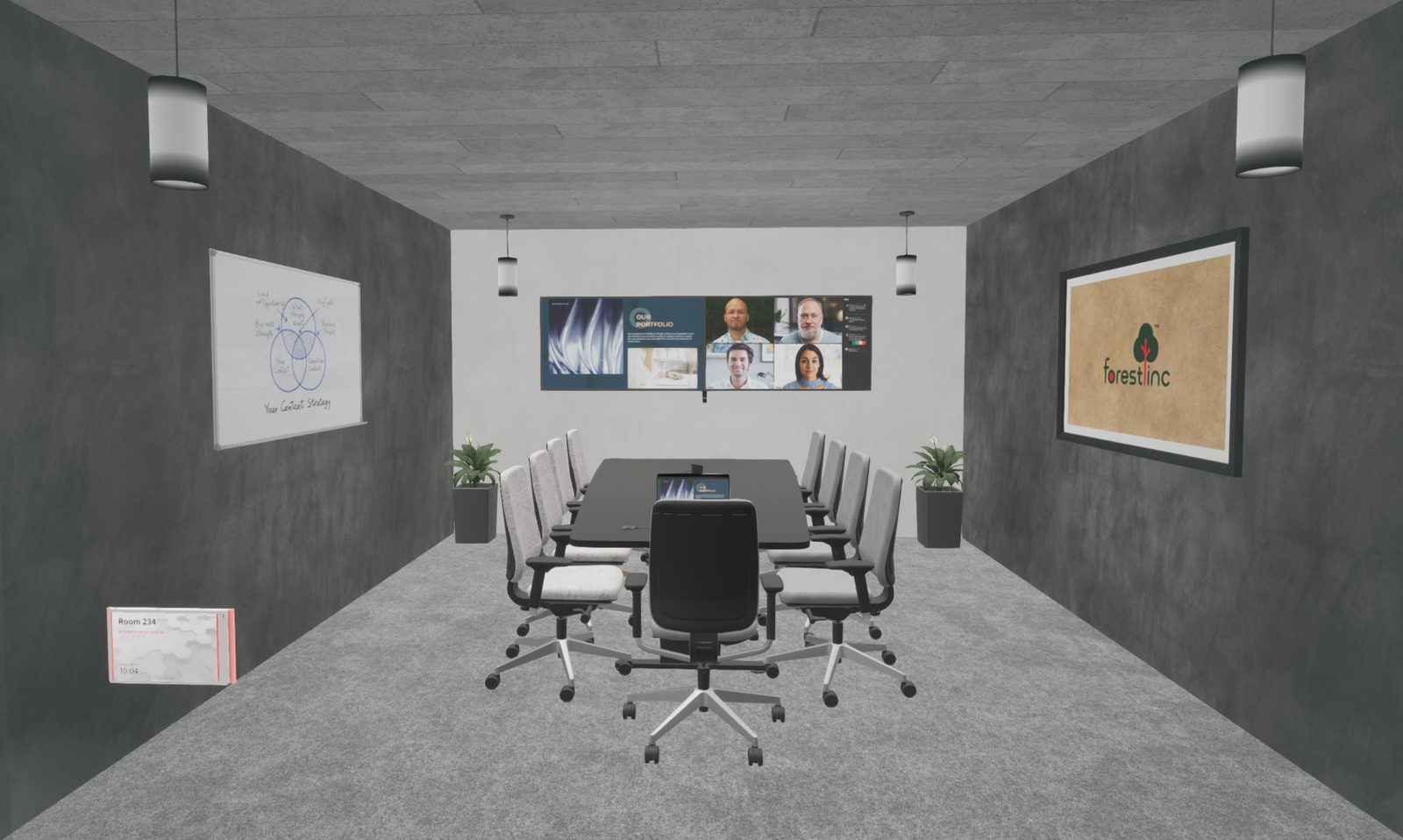
Room Setup View

Camera Coverage View
Medium Room Packages
Choose the subscription tier that best matches your collaboration and operational needs.
Pro Package
Everything you need for seamless video meetings — in one box.
Includes:
- HD Display
- All in 1 video bar
- Cable and connecting accessories
Features:
-
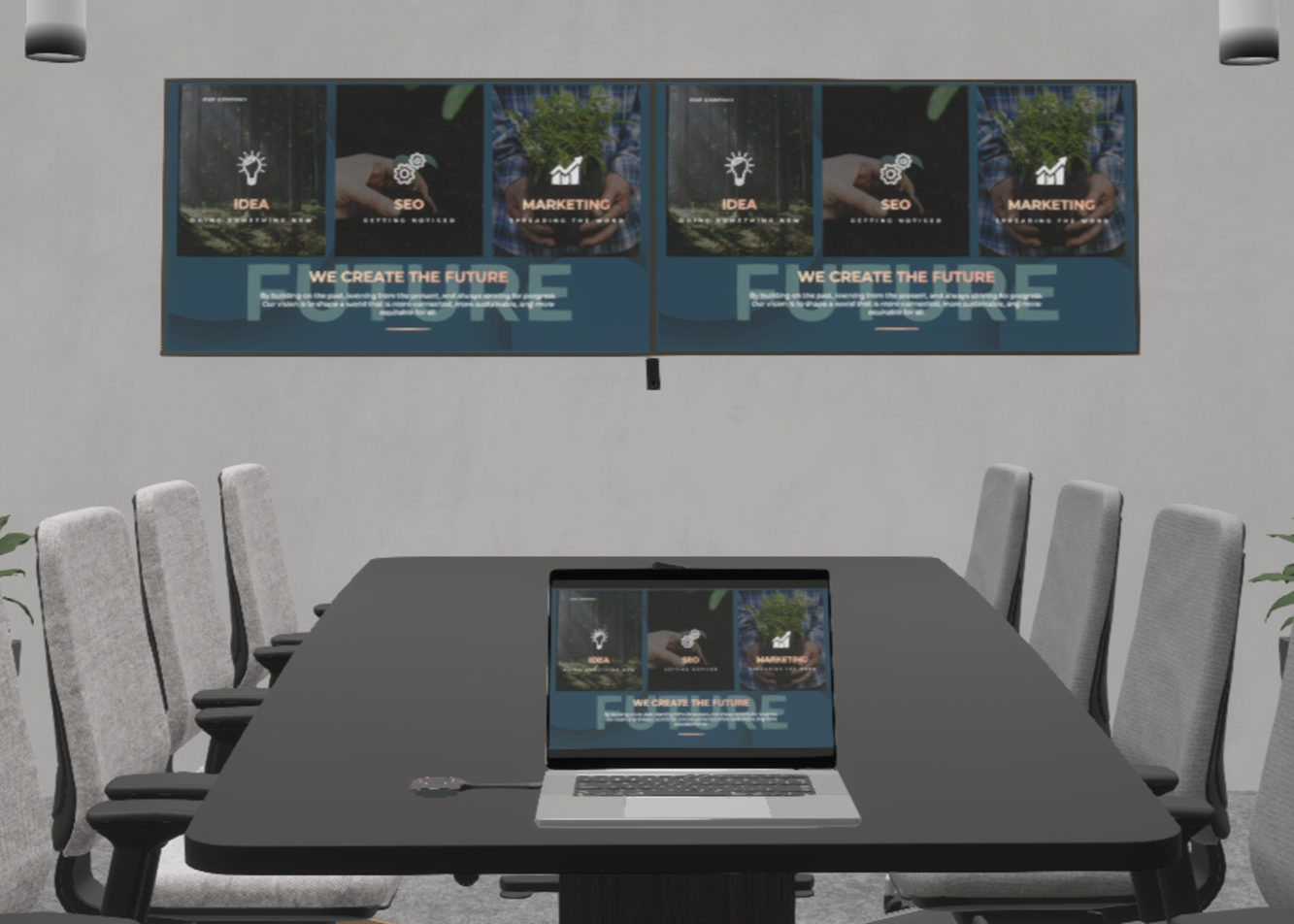
Connect and Share the content from your device with ease.
-
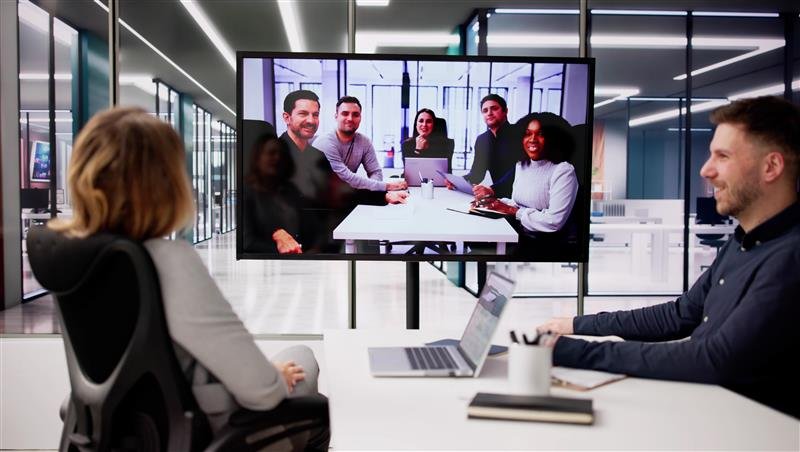
Enjoy your video conferencing with advance features like auto framing and speaker tracking. It reduces distraction and fosters collaborative environment.
-
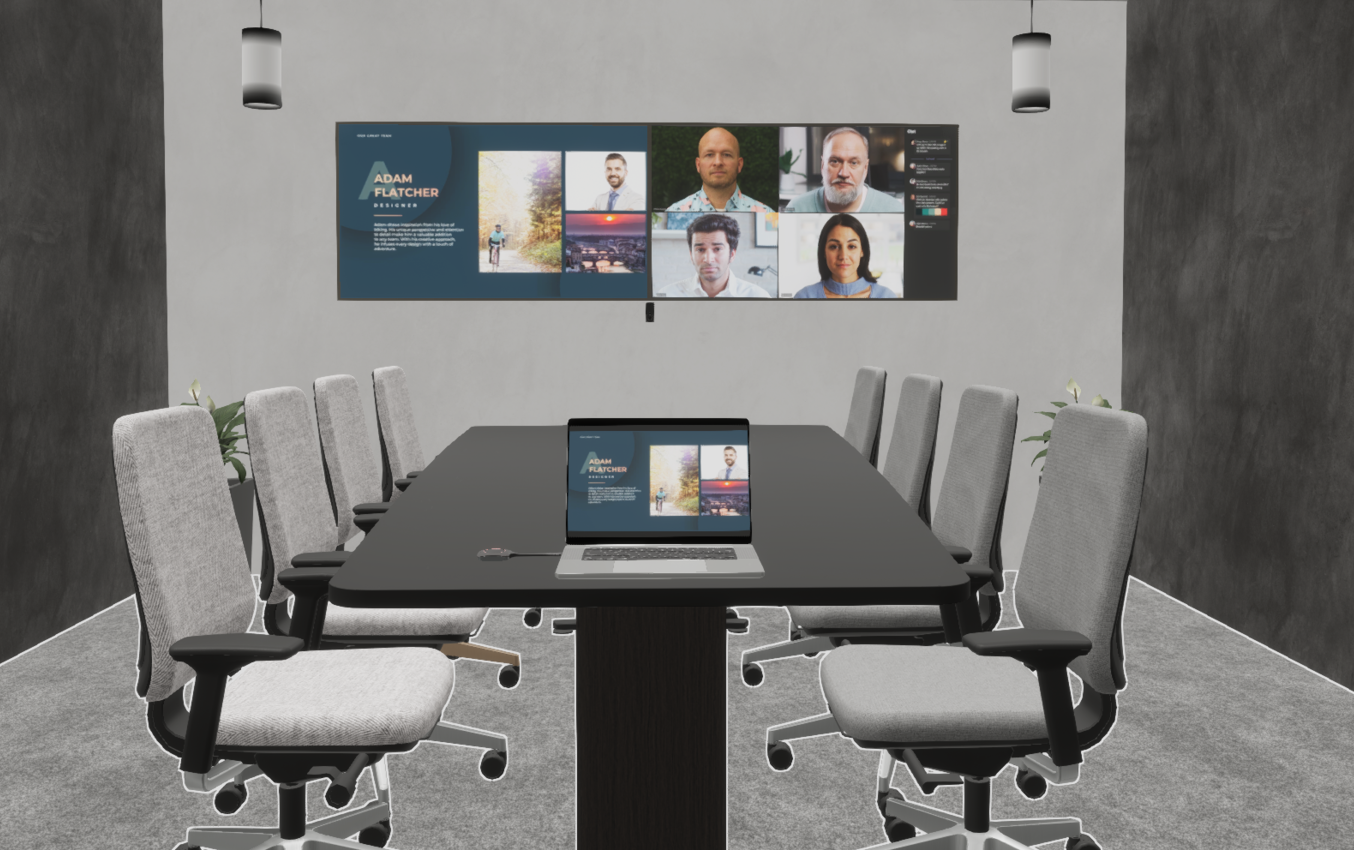
Connect devices easily and share content seamlessly with BYOD support.
-

Collaborate with your preferred UC platform like Microsfot Teams or Zoom meetings.
-
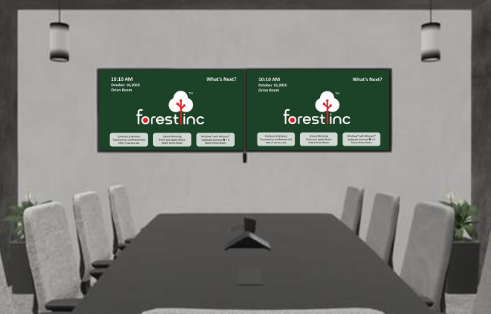
Show meeting schedules, room availability, Branding, Informative messages, etc. when the display is not in use.
Optional Add-ons:
-

Engage teams with a large, touch-enabled screen for dynamic presentations and collaborative annotation.
-
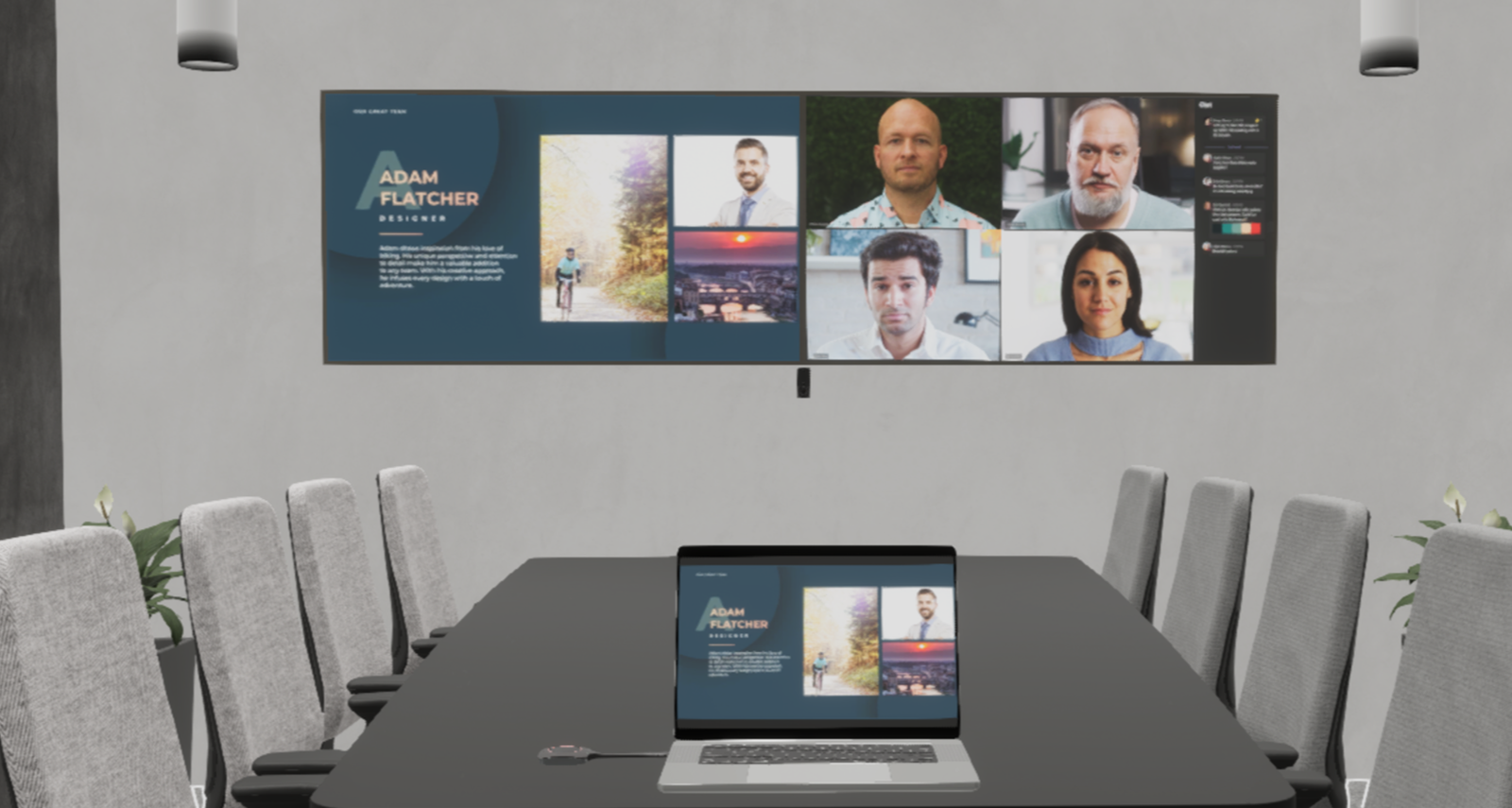
Utilize two displays simultaneously for enhanced visibility of both participants and shared content.
Pro+ Package
Professional-grade collaboration made simple.
Includes:
- HD Display
- All in 1 video bar
- Wireless dongle
- Room Touch panel
- Room scheduler panel
- Cable and connecting accessories
Features: Pro Package + Following
-
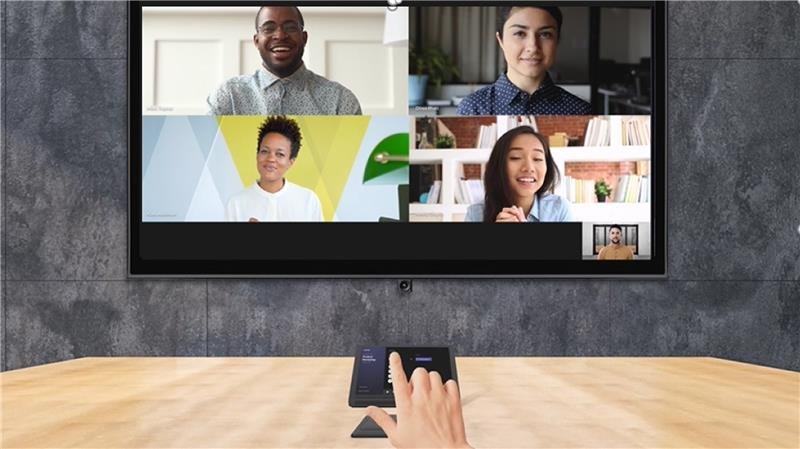
Start meetings and manage room functions instantly with a single, intuitive touch controller.
-
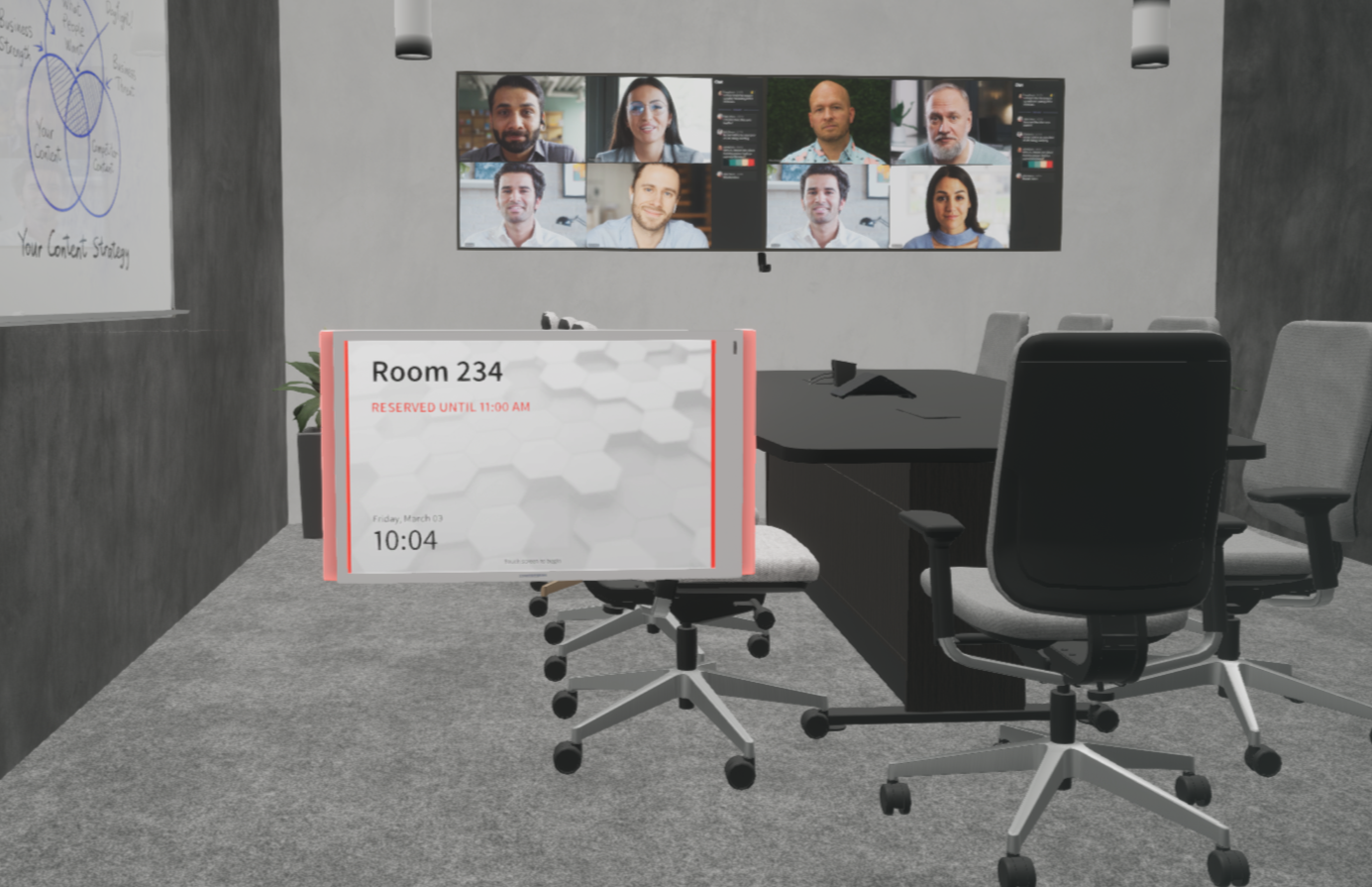
Display meeting schedules and occupancy information outside each room.
Optional Add-ons:
-
Engage teams with a large, touch-enabled screen for dynamic presentations and collaborative annotation.
-
Utilize two displays simultaneously for enhanced visibility of both participants and shared content.
-

Automate and manage lighting, climate, and window shades for the perfect meeting environment.